
 Premium · 2 credits
Gallery design
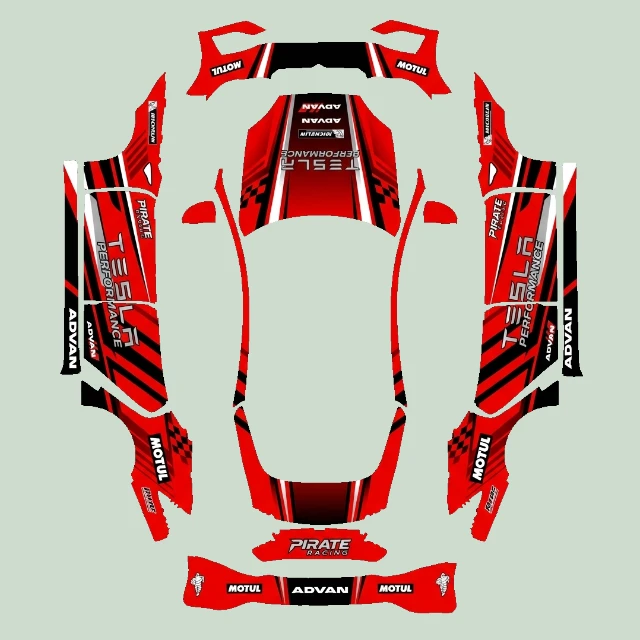
View design detailsRed and black racing stripe wrap
Model S (2025+) Plaid
70 gallery designs · Paint Shop PNGs
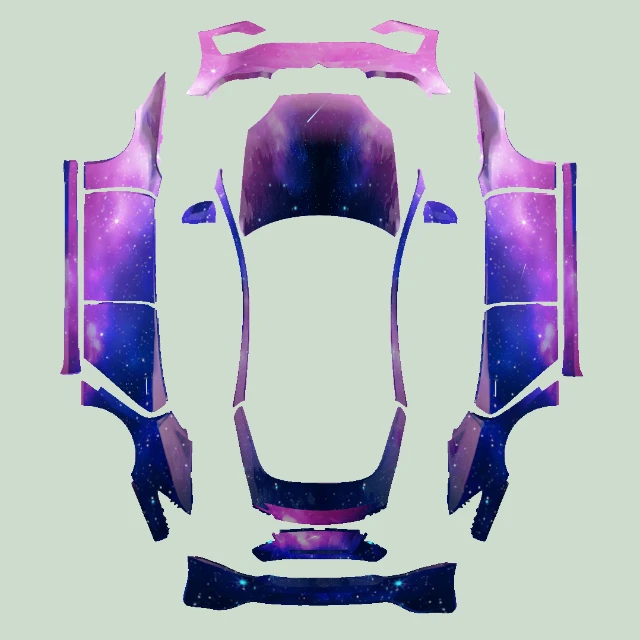
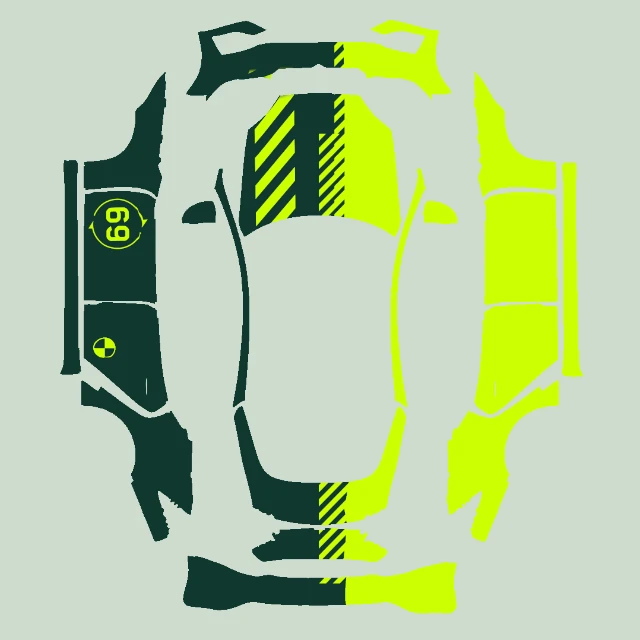
Browse digital wraps for your Model S, including graphic patterns, racing-inspired artwork and template examples. Choose between Model S (2021+) and Model S (2025+) Plaid before opening the UV image. Download a ready-made design or use the editor to create a more personal look with AI.
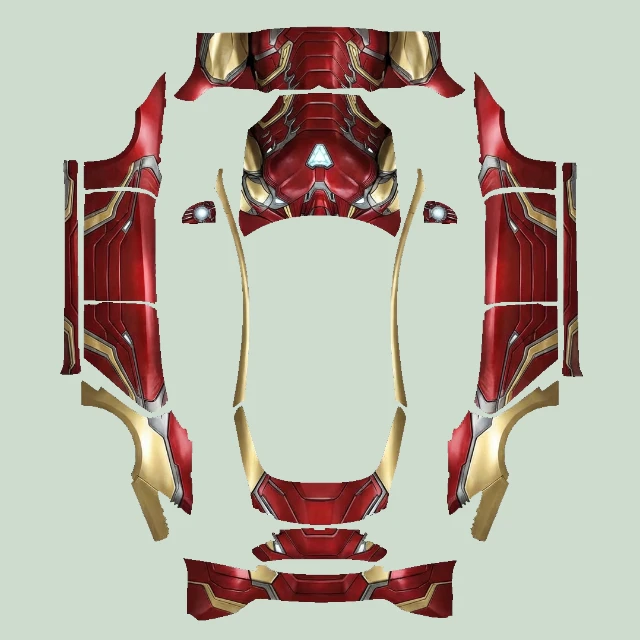
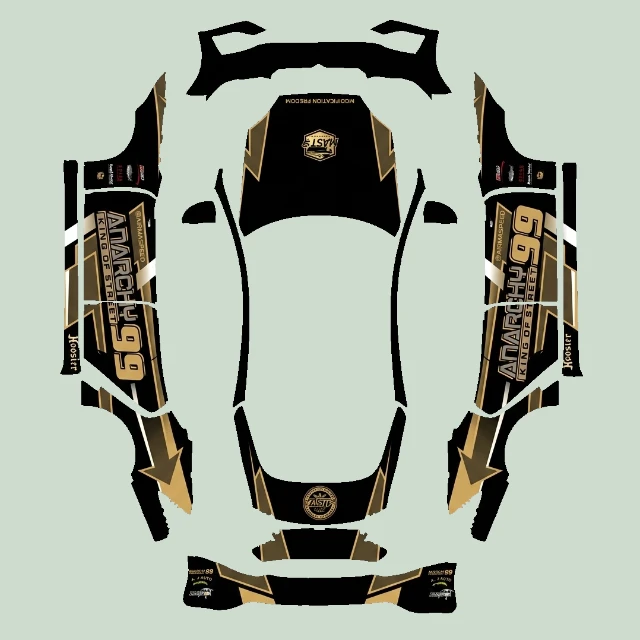
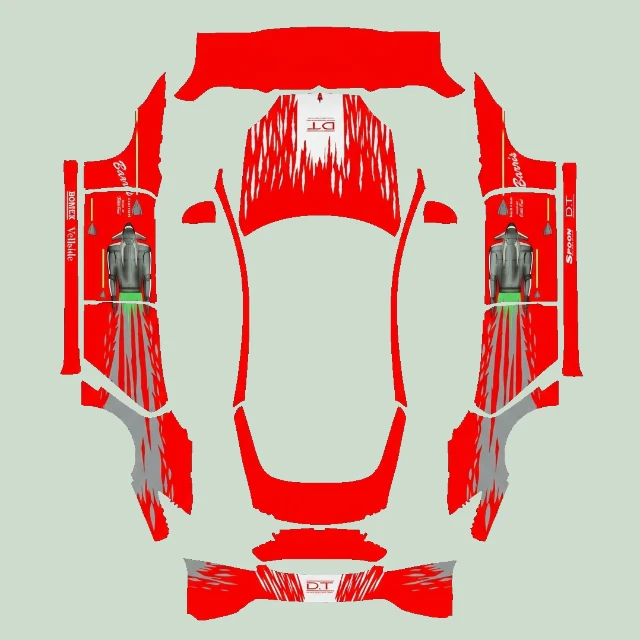
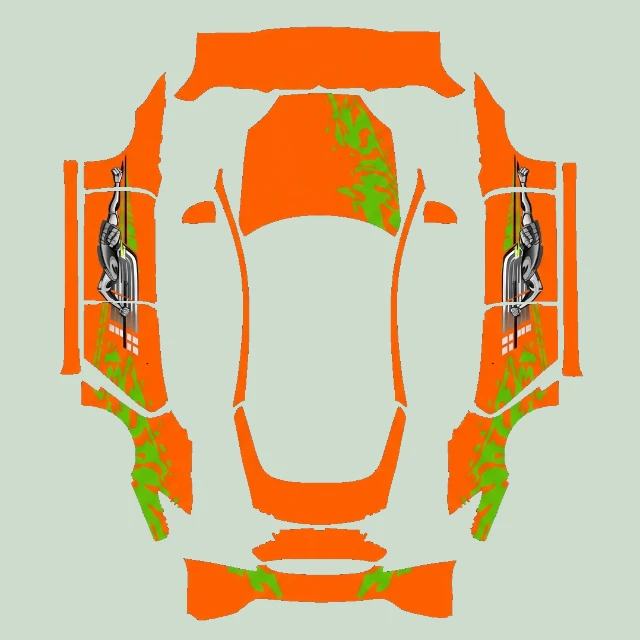
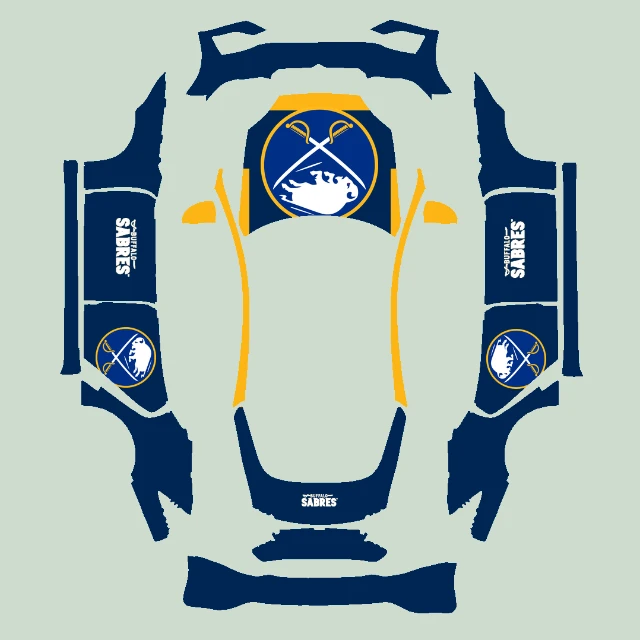
This gallery separates Model S (2021+) and Model S (2025+) Plaid. Both templates are 1024 × 1024, but they are different body maps. Check the full version on each design; matching dimensions alone do not make the PNG interchangeable. Older Model S versions are not covered by these entries.
These are digital wraps for Tesla’s on-screen vehicle visualization, not physical vinyl wraps. Paint Shop availability depends on your vehicle and software.
Read the digital wrap guide70 designs found
Official Tesla wraps are always free. Premium wraps cost 2 credits each; unlock once and download or edit again at no extra charge. Weekly free picks rotate every Monday at 00:00 UTC. Community shares are free.
Premium · 2 creditsModel S (2025+) Plaid
 Free
Model S (2025+) Plaid
 Premium · 2 credits
Model S (2021+)
 Premium · 2 credits
Model S (2025+) Plaid
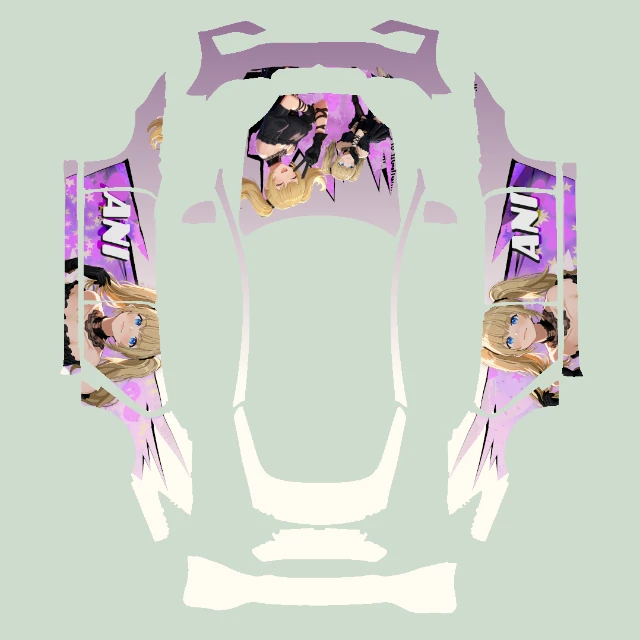 Free
Model S (2025+) Plaid
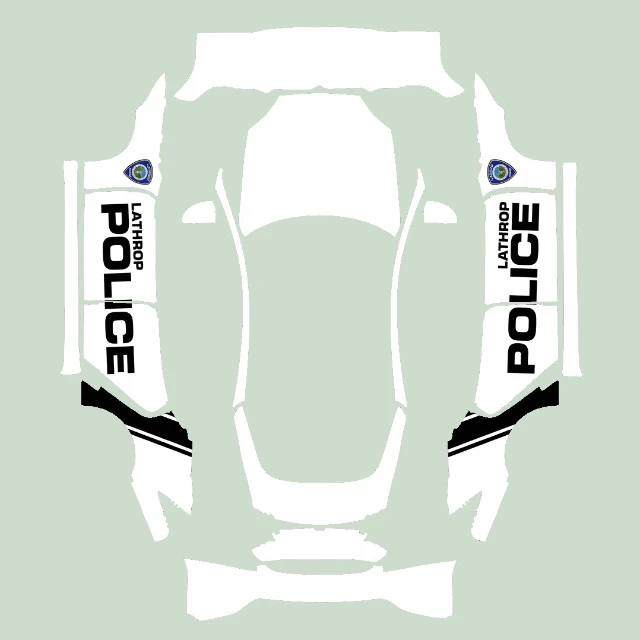 Premium · 2 credits
Model S (2021+)
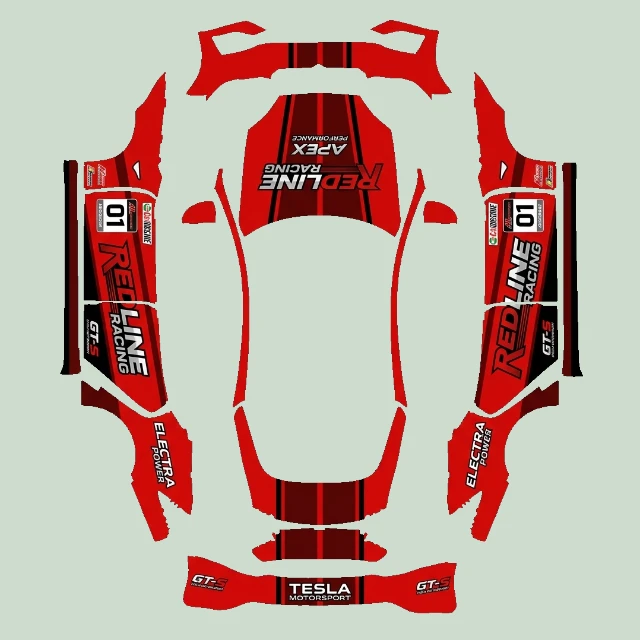 Premium · 2 credits
Model S (2025+) Plaid
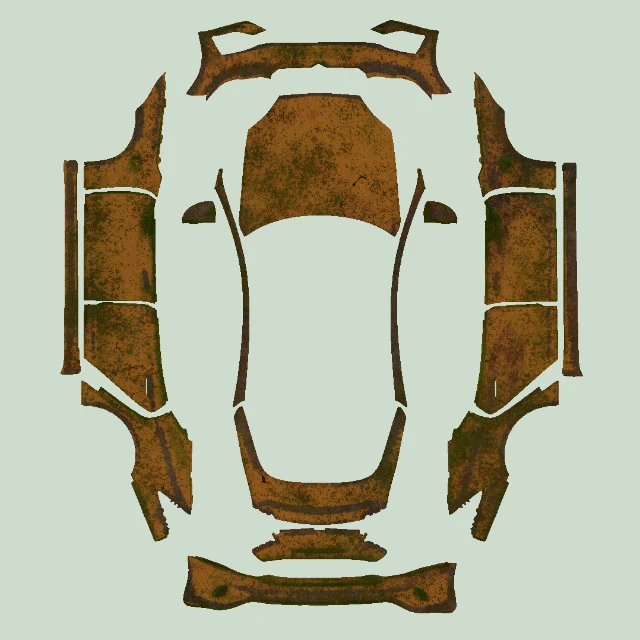 Free
Model S (2025+) Plaid
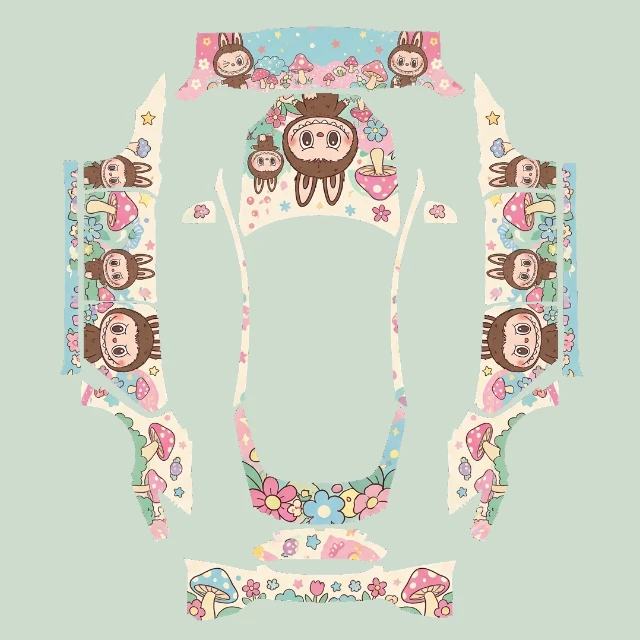 Premium · 2 credits
Model S (2021+)
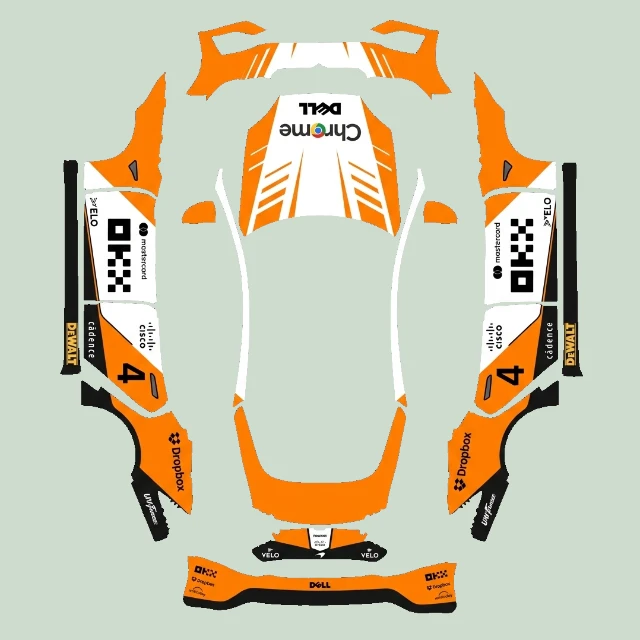 Premium · 2 credits
Model S (2025+) Plaid
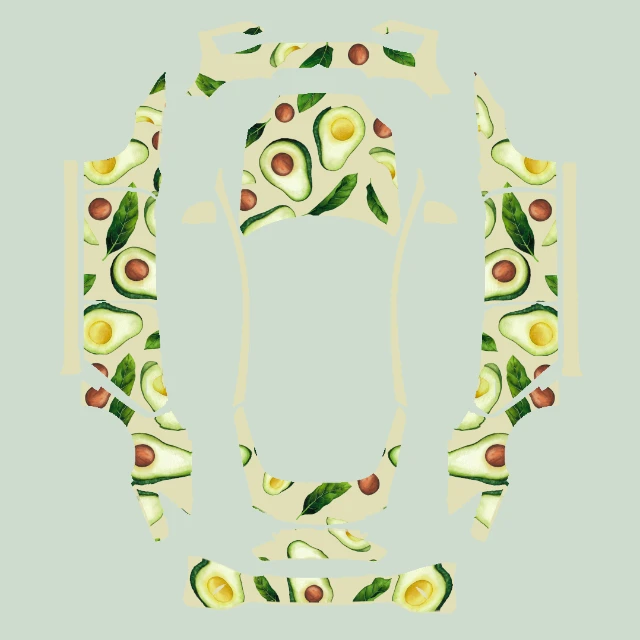 Free
Model S (2025+) Plaid
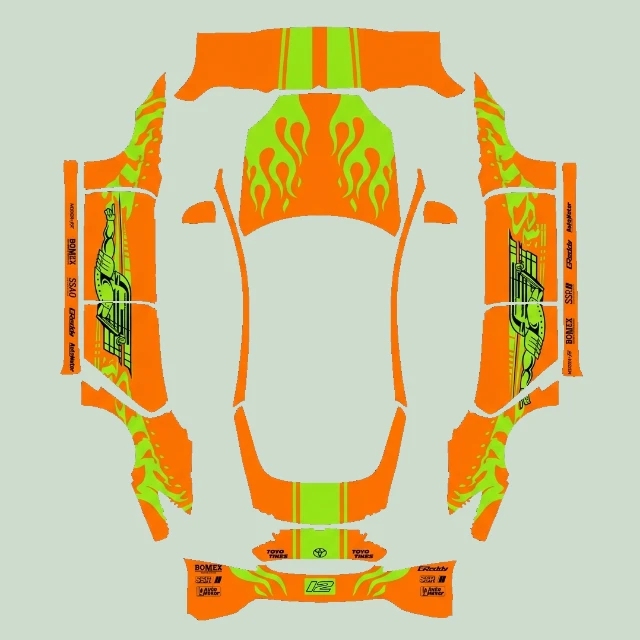 Premium · 2 credits
Model S (2021+)
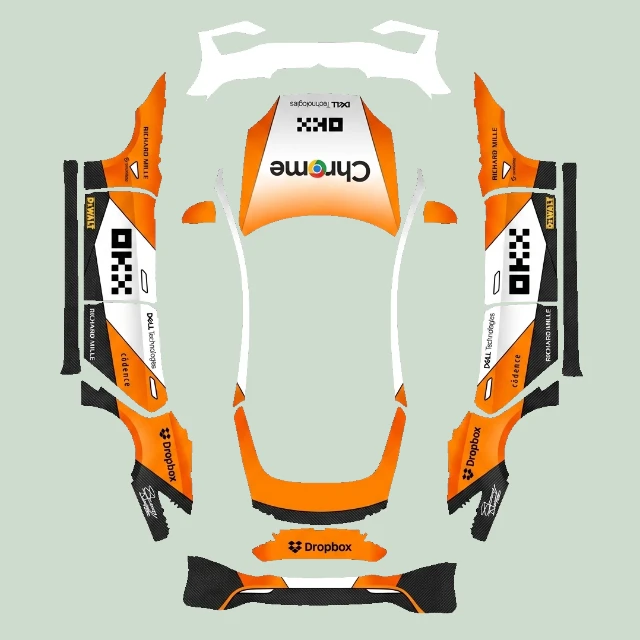 Premium · 2 credits
Model S (2025+) Plaid
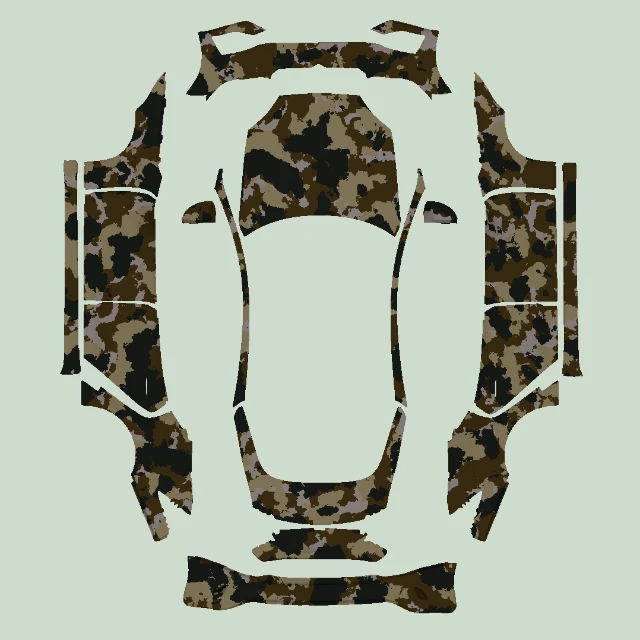 Free
Model S (2025+) Plaid
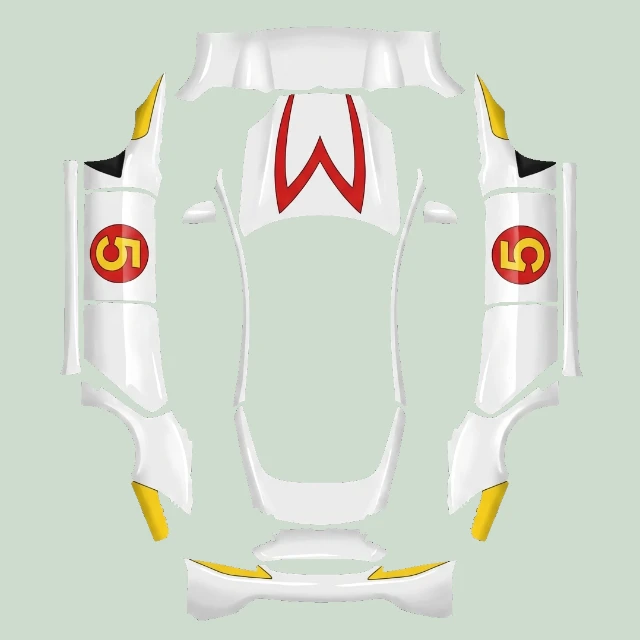 Premium · 2 credits
Model S (2021+)
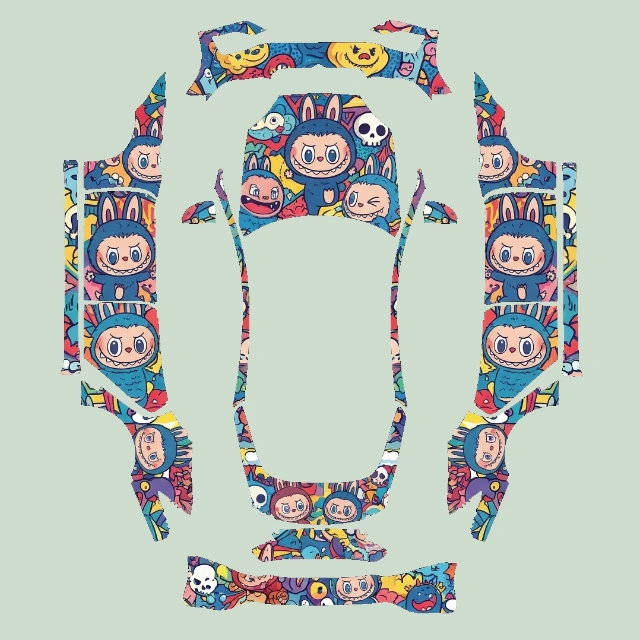 Premium · 2 credits
Model S (2025+) Plaid
 Free
Model S (2025+) Plaid
 Premium · 2 credits
Model S (2021+)
 Premium · 2 credits
Model S (2025+) Plaid
 Free
Model S (2025+) Plaid
 Premium · 2 credits
Model S (2021+)
 Premium · 2 credits
Model S (2025+) Plaid
 Free
Model S (2021+)
 Premium · 2 credits
Model S (2021+)
 Premium · 2 credits
Model S (2025+) Plaid
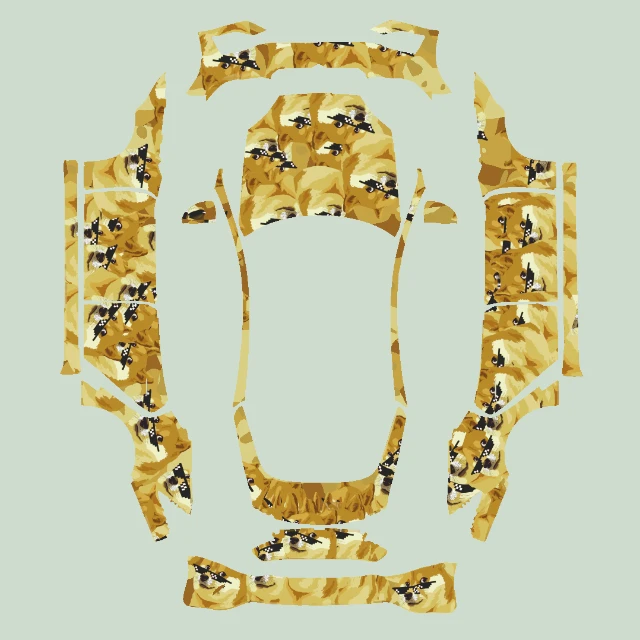 Free
Model S (2025+) Plaid
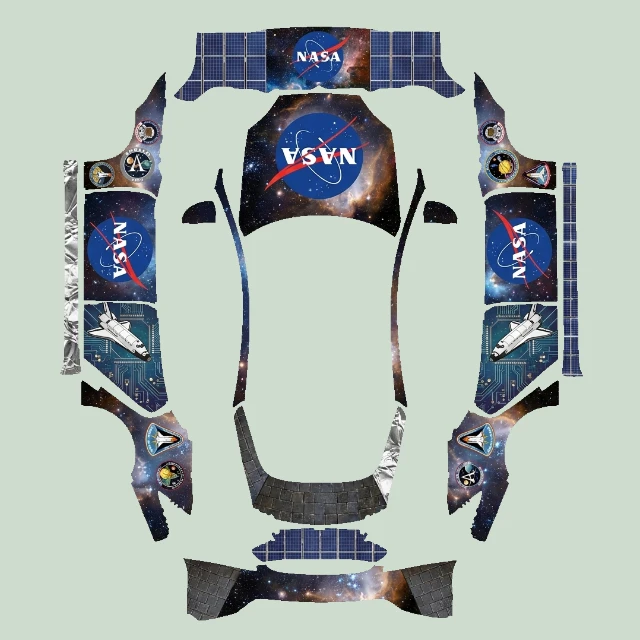 Premium · 2 credits
Model S (2021+)
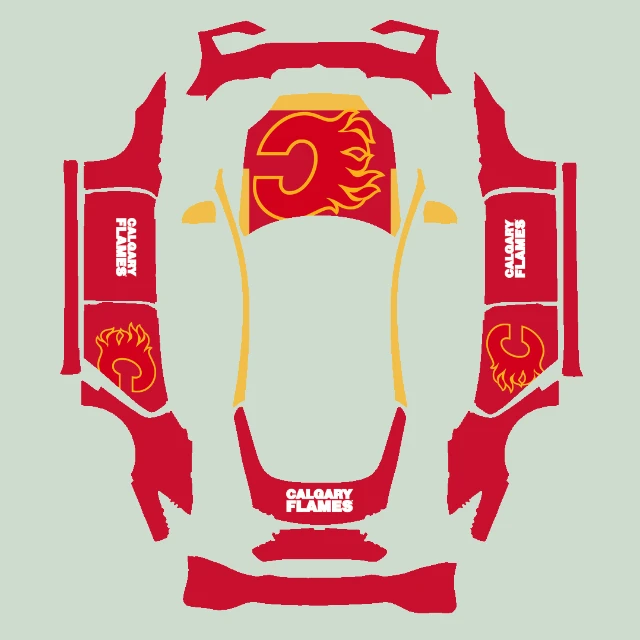 Premium · 2 credits
Model S (2025+) Plaid
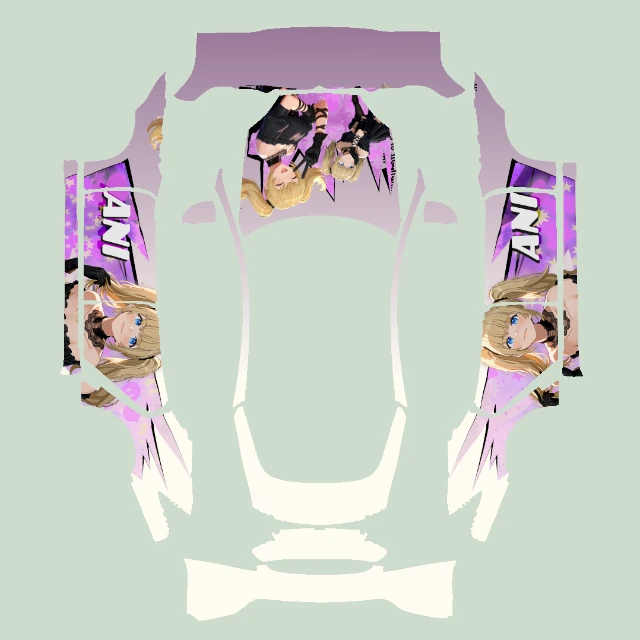 Free
Model S (2021+)
 Premium · 2 credits
Model S (2021+)
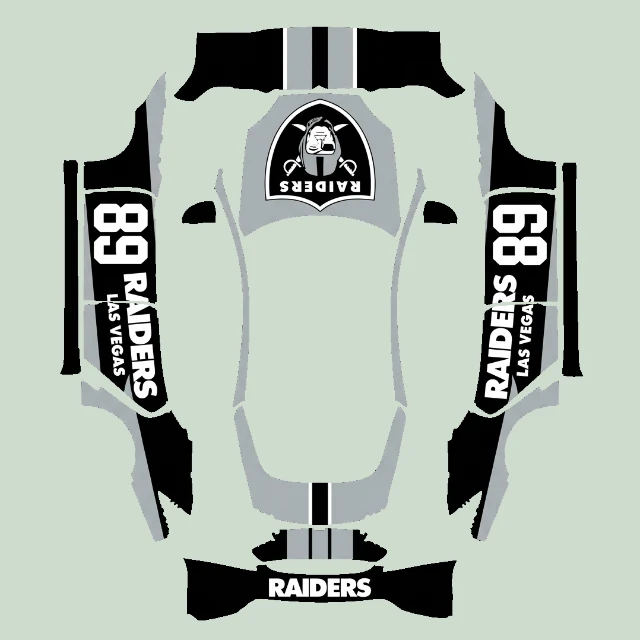
Model S designs use native vehicle geometry and the matching original wrap UV layout in the 3D preview. Select the correct model version before previewing or exporting. Lighting and materials are a visualization; check the imported result in your supported vehicle Paint Shop.
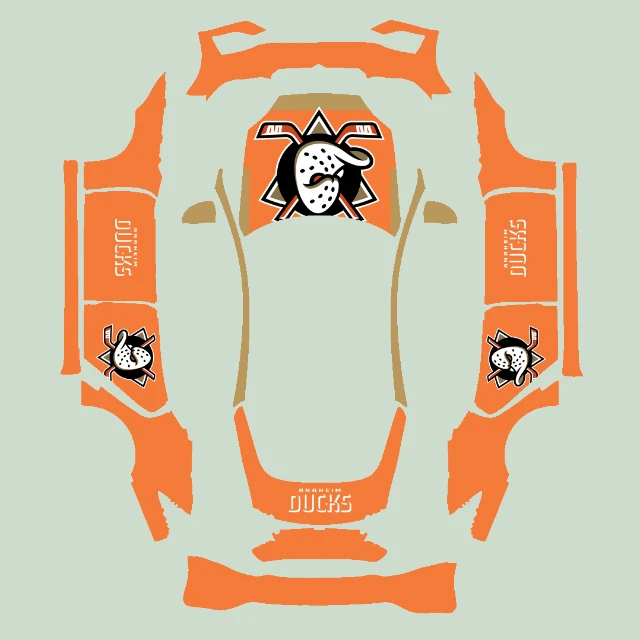
Try a restrained palette, flowing side graphics or a centered hood emblem. Keep a focal graphic within its panel instead of stretching it across the whole atlas. If you add lettering, check its orientation on each side rather than mirroring the words.
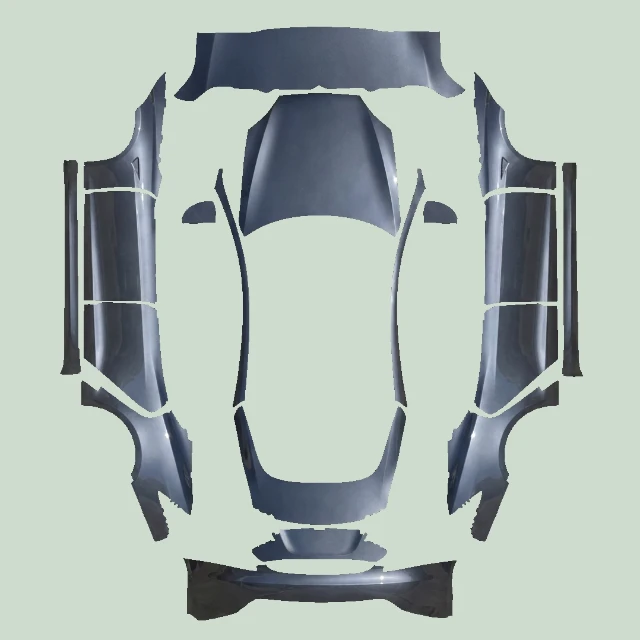
Starting from scratch? Download the matching blank PNG or open that version in the editor. Artwork follows the template’s panel positions: the hood, doors and bumpers are not one continuous photograph. Keep important graphics within each panel and check the preview after editing.
PNG · 1024 × 1024
PNG · 1024 × 1024
Download the PNG, then transfer it through the Tesla app’s Creations → Wrap flow on supported versions, or put it in a Wraps folder at the root of a compatible USB drive. Select it in Toybox → Paint Shop. Keep the PNG format and a file size of 1 MB or less.
Read the phone & USB guideYes. Pick your model, describe the colors and pattern, or upload a reference image. Text generation uses 10 credits; reference-image generation uses 20. You can adjust the result in the editor and export a PNG. Check how text and graphics sit on the panels before exporting.
See design ideas & promptsA PNG made for another variant can place graphics on the wrong panels even if it has the same resolution. First check the model version and template. If the file is missing in Paint Shop, also check the format, size, filename and transfer method.
Fix Paint Shop import issues